
Пример:

Заголовок фото 1
Описание фото 1

Заголовок фото 2
Описание фото 2

Заголовок фото 3
Длинное описание фото 3, которое не умещается в одну строку в одну строку

Заголовок фото 4
Описание фото 4

Заголовок фото 5
Описание фото 5

Заголовок фото 6
Описание фото 6
Выбрать другой мобильный для примера:
Обратите внимание:
При изменении варианта меняется CSS-код, а также ссылка на картинку и размеры фотографий:
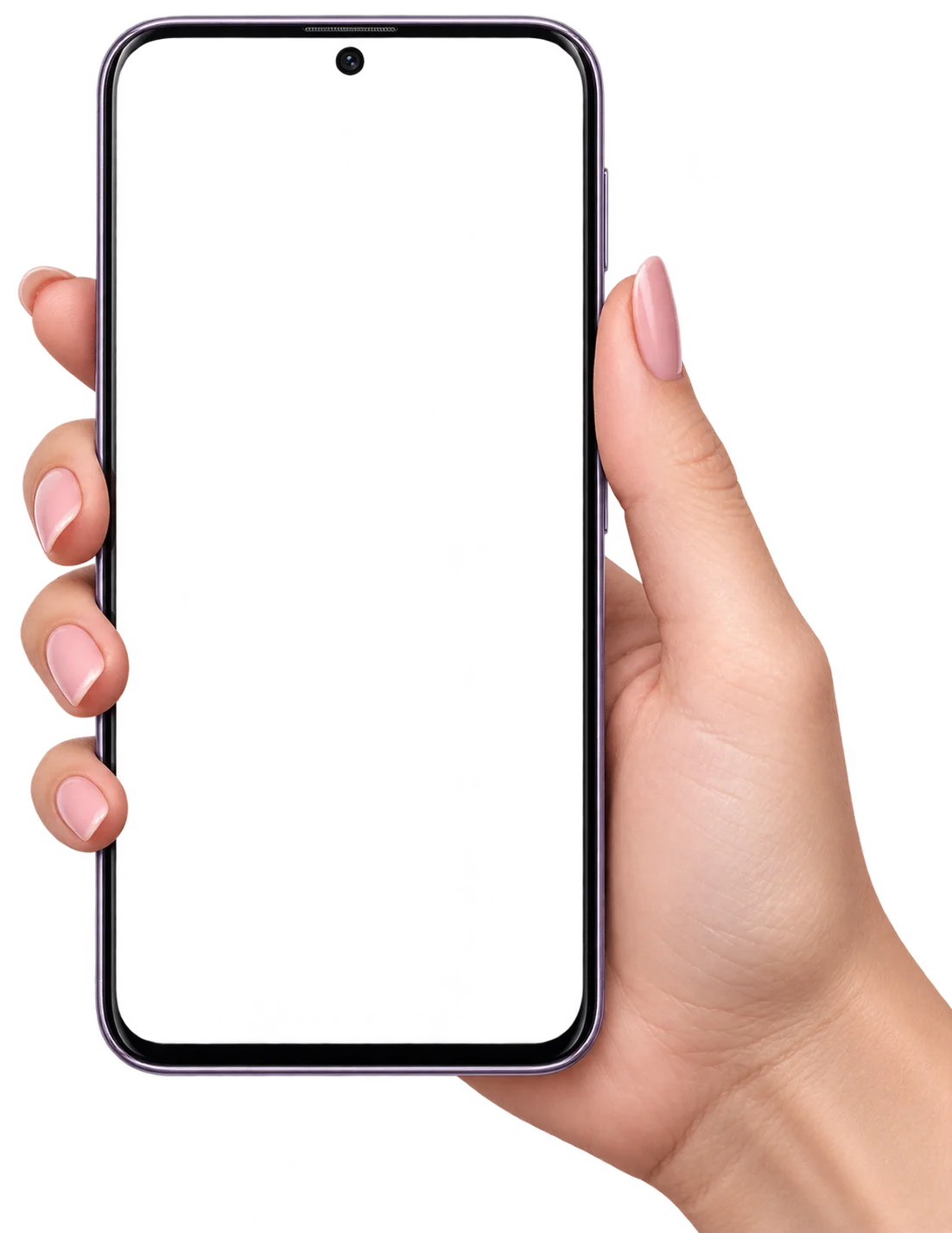
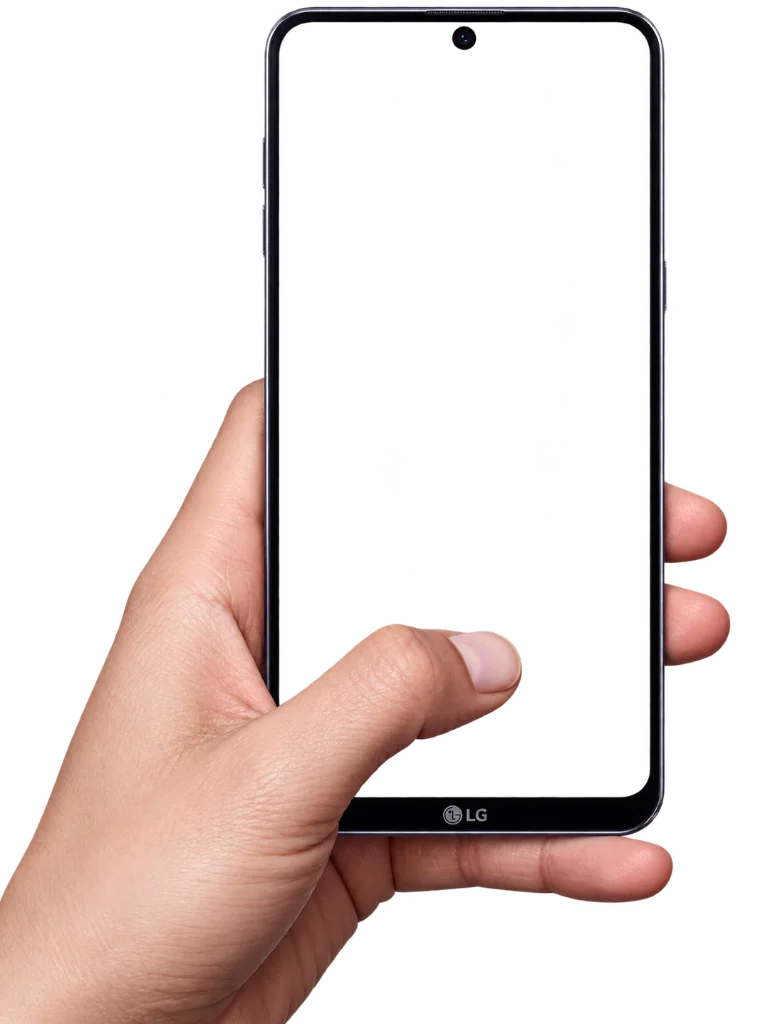
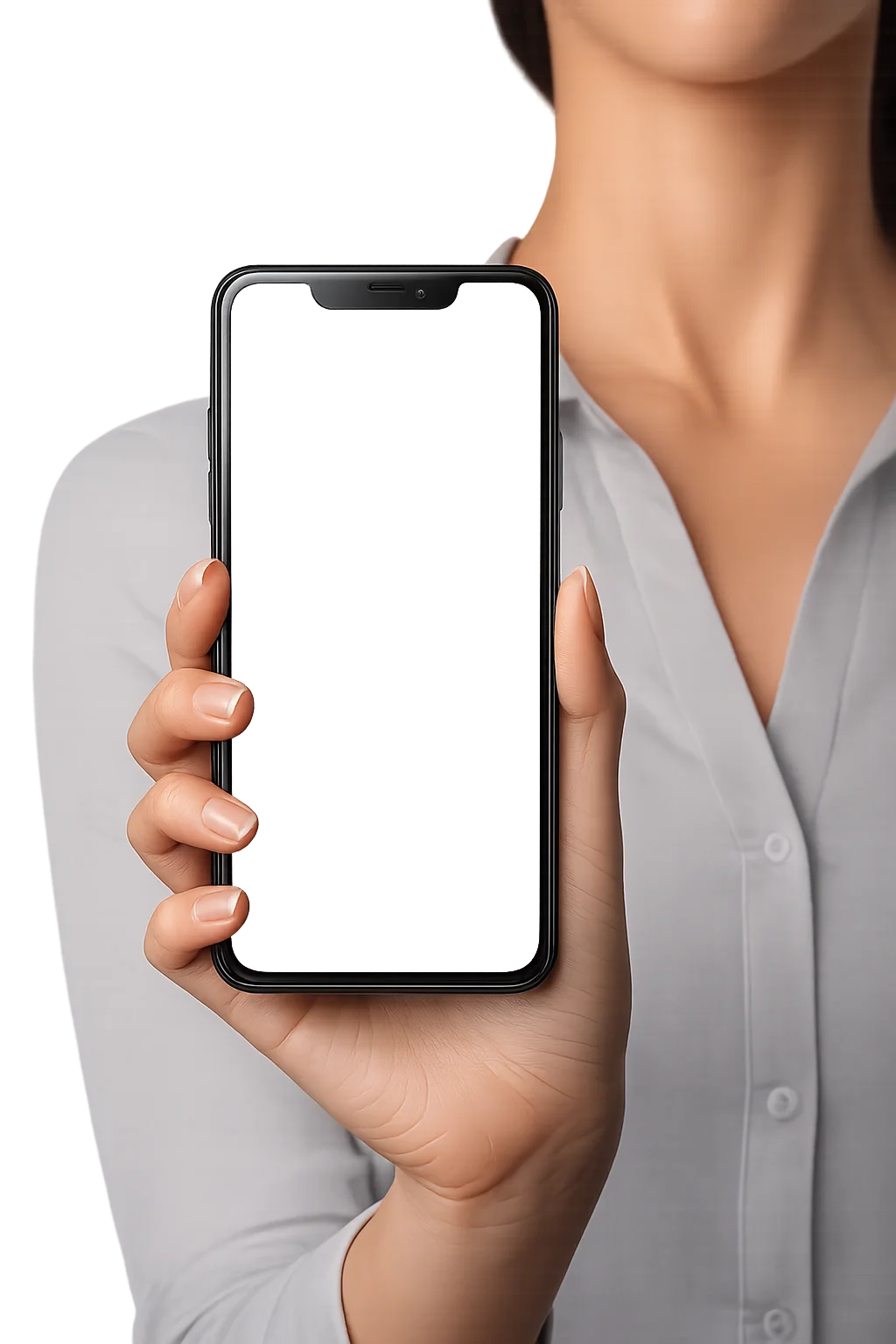
- Картинка мобильного телефона: mobile-1.webp mobile-2.webp mobile-3.webp
- Приблизительный размер фотографий: 420 х 590 420 x 690 420 x 920 пикселей, все что не уместится в экран телефона - обрежется.
HTML:
|
1 2 3 4 5 6 7 8 9 10 11 12 13 14 15 16 17 18 19 20 21 22 23 24 25 26 27 28 29 |
<div class="mobile-slider-container"> <div class="mobile-slider-rotate"> <div class="mobile-slider-img"> <img src="mobile.webp" alt="mobile"> </div> <div class="mobile-slider swiper"> <div class="swiper-wrapper"> <div class="swiper-slide"> <img src="photo-1.jpg" alt="photo"> <div>Заголовок фото 1</div> <span>Описание фото 1</span> </div> <!-- Еще слайды --> <div class="swiper-slide"> <img src="photo-N.jpg" alt="photo"> <div>Заголовок фото N</div> <span>Описание фото N</span> </div> </div> </div> </div> <div class="mobile-slider-nav"> <div class="swiper-button-next"></div> <div class="swiper-button-prev"></div> </div> <div class="mobile-slider-text"></div> </div> |
CSS для варианта 1:
|
1 2 3 4 5 6 7 8 9 10 11 12 13 14 15 16 17 18 19 20 21 22 23 24 25 26 27 28 29 30 31 32 33 34 35 36 37 38 39 40 41 42 43 44 45 46 47 48 49 50 51 52 53 54 55 56 57 58 59 60 61 62 63 64 65 66 67 68 69 70 71 72 73 74 75 76 77 78 79 80 81 82 83 84 85 86 87 88 89 90 91 92 93 94 95 96 97 98 99 100 101 102 103 |
.mobile-slider-container { position: relative; max-width: 600px; margin: auto; text-align: center; } .mobile-slider-rotate { max-width: 500px; transform: rotate(-20deg); position: relative; padding: 0 10px; margin: 0 auto; } .mobile-slider-img img { width: 100%; pointer-events: none; position: relative; z-index: 2; border-radius: 0 0 150px 0; filter: drop-shadow(2px 6px 10px rgba(0, 0, 0, 0.15)); } .mobile-slider { border: 0; position: absolute; top: 2%; left: 12.5%; width: 49.5%; height: 84.5%; z-index: 1; background: #000; border-radius: 30px; } .mobile-slider .swiper-slide img { object-fit: cover; width: 100%; height: 100%; object-position: center center; } .mobile-slider .swiper-slide div, .mobile-slider .swiper-slide span { display: none; } .mobile-slider-text { position: absolute; bottom: 16px; left: 20px; display: block; backdrop-filter: blur(5px); padding: 10px 20px; background: rgba(255,255,255,0.85); color: #000; font-size: 18px; border-radius: 12px; border: 2px solid #fff; box-shadow: 0 4px 8px rgba(0, 0, 0, 0.1); transition: opacity 0.5s; line-height: 1.2; max-width: calc(100% - 40px); text-align: left; } .mobile-slider-text div { text-transform: uppercase; padding-bottom: 4px; font-weight: 600; } .mobile-slider-text.change { opacity: 0; } .mobile-slider-nav { position: absolute; top: 90px; right: 40px; } .mobile-slider-nav .swiper-button-next, .mobile-slider-nav .swiper-button-prev { right: 0; color: #337AB7; transition: 0.5s; height: 60px; } .mobile-slider-nav .swiper-button-prev { right: 80px; left: auto; } .mobile-slider-nav .swiper-button-next:hover, .mobile-slider-nav .swiper-button-prev:hover { color: #000; } @media screen and (max-width:500px) { .mobile-slider-text { position: static; transform: translateY(-16px); text-align: center; margin: 0 20px; font-size: 15px; display: inline-block; } .mobile-slider-nav { top: 30px; right: 10px; transform: scale(0.65); } } |
CSS для варианта 2:
|
1 2 3 4 5 6 7 8 9 10 11 12 13 14 15 16 17 18 19 20 21 22 23 24 25 26 27 28 29 30 31 32 33 34 35 36 37 38 39 40 41 42 43 44 45 46 47 48 49 50 51 52 53 54 55 56 57 58 59 60 61 62 63 64 65 66 67 68 69 70 71 72 73 74 75 76 77 78 79 80 81 82 83 84 85 86 87 88 89 90 91 92 93 94 95 96 97 98 99 100 101 102 103 104 105 |
.mobile-slider-container { position: relative; max-width: 600px; margin: auto; text-align: center; } .mobile-slider-rotate { max-width: 500px; transform: rotate(10deg); position: relative; padding: 0 10px; margin: 0 auto; } .mobile-slider-img img { width: 100%; pointer-events: none; position: relative; z-index: 2; border-radius: 0 0 0 120px; filter: drop-shadow(2px 6px 10px rgba(0, 0, 0, 0.15)); } .mobile-slider { border: 0; position: absolute; top: 1%; left: 35%; width: 47.5%; height: 78%; z-index: 1; background: #000; border-radius: 24px; } .mobile-slider .swiper-slide img { object-fit: cover; width: 100%; height: 100%; object-position: center center; } .mobile-slider .swiper-slide div, .mobile-slider .swiper-slide span { display: none; } .mobile-slider-text { position: absolute; bottom: 16px; left: auto; right: 20px; display: block; backdrop-filter: blur(5px); padding: 10px 20px; background: rgba(255,255,255,0.85); color: #000; font-size: 18px; border-radius: 12px; border: 2px solid #fff; box-shadow: 0 4px 8px rgba(0, 0, 0, 0.1); transition: opacity 0.5s; line-height: 1.2; max-width: calc(100% - 40px); text-align: left; } .mobile-slider-text div { text-transform: uppercase; padding-bottom: 4px; font-weight: 600; } .mobile-slider-text.change { opacity: 0; } .mobile-slider-nav { position: absolute; top: 90px; left: 40px; right: auto; } .mobile-slider-nav .swiper-button-next, .mobile-slider-nav .swiper-button-prev { left: 80px; color: #337AB7; transition: 0.5s; height: 60px; } .mobile-slider-nav .swiper-button-prev { left: 0; right: auto; } .mobile-slider-nav .swiper-button-next:hover, .mobile-slider-nav .swiper-button-prev:hover { color: #000; } @media screen and (max-width:500px) { .mobile-slider-text { position: static; transform: translateY(-16px); text-align: center; margin: 0 20px; font-size: 15px; display: inline-block; } .mobile-slider-nav { top: 40px; left: 20px; transform: scale(0.65); } } |
CSS для варианта 3:
|
1 2 3 4 5 6 7 8 9 10 11 12 13 14 15 16 17 18 19 20 21 22 23 24 25 26 27 28 29 30 31 32 33 34 35 36 37 38 39 40 41 42 43 44 45 46 47 48 49 50 51 52 53 54 55 56 57 58 59 60 61 62 63 64 65 66 67 68 69 70 71 72 73 74 75 76 77 78 79 80 81 82 83 84 85 86 87 88 89 90 91 92 93 94 95 96 97 98 99 100 101 102 103 104 105 |
.mobile-slider-container { position: relative; max-width: 600px; margin: auto; text-align: center; } .mobile-slider-rotate { max-width: 500px; transform: rotate(0); position: relative; padding: 0 10px; margin: 0 auto; } .mobile-slider-img img { width: 100%; pointer-events: none; position: relative; z-index: 2; border-radius: 12px; filter: drop-shadow(2px 6px 10px rgba(0, 0, 0, 0.15)); } .mobile-slider { border: 0; position: absolute; top: 20%; left: 26.5%; width: 35%; height: 53.5%; z-index: 1; background: #000; transform: rotate(0); border-radius: 24px; } .mobile-slider .swiper-slide img { object-fit: cover; width: 100%; height: 100%; object-position: center center; } .mobile-slider .swiper-slide div, .mobile-slider .swiper-slide span { display: none; } .mobile-slider-text { position: absolute; bottom: 16px; left: 20px; display: block; backdrop-filter: blur(5px); padding: 10px 20px; background: rgba(255,255,255,0.85); color: #000; font-size: 18px; border-radius: 12px; border: 2px solid #fff; box-shadow: 0 4px 8px rgba(0, 0, 0, 0.1); transition: opacity 0.5s; line-height: 1.2; max-width: calc(100% - 40px); text-align: left; } .mobile-slider-text div { text-transform: uppercase; padding-bottom: 4px; font-weight: 600; } .mobile-slider-text.change { opacity: 0; } .mobile-slider-nav { position: absolute; top: 60px; left: 40px; right: auto; } .mobile-slider-nav .swiper-button-next, .mobile-slider-nav .swiper-button-prev { left: 80px; color: #337AB7; transition: 0.5s; height: 60px; } .mobile-slider-nav .swiper-button-prev { left: 0; right: auto; } .mobile-slider-nav .swiper-button-next:hover, .mobile-slider-nav .swiper-button-prev:hover { color: #000; } @media screen and (max-width:500px) { .mobile-slider-text { position: static; transform: translateY(-16px); text-align: center; margin: 0 20px; font-size: 15px; display: inline-block; } .mobile-slider-nav { top: 25px; left: 20px; transform: scale(0.65); } } |
- Перед стилями выше должен быть добавлен CSS фреймворка Swiper 12
- Наклонять руку с телефоном можно в любом направлении, меняя градусы в CSS-свойстве
transformу классаmobile-slider-rotate - Чтобы избежать обрезку изображения руки и в тоже время горизонтальной прокрутки на малых экранах, внешний родительский элемент должен иметь стиль
overflow-x: hidden;
JS:
|
1 2 3 4 5 6 7 8 9 10 11 12 13 14 15 16 17 18 19 20 21 22 23 24 25 |
const newText = document.querySelector('.mobile-slider-text'); let title = document.querySelector('.mobile-slider .swiper-slide div').outerHTML; let txt = document.querySelector('.mobile-slider .swiper-slide span').outerHTML; newText.innerHTML = title + txt; const mobileSlider = new Swiper(".mobile-slider", { loop: true, navigation: { nextEl: '.mobile-slider-nav .swiper-button-next', prevEl: '.mobile-slider-nav .swiper-button-prev', }, speed: 500, autoplay: { delay: 2000, pauseOnMouseEnter: true, } }); mobileSlider.on('transitionStart', function () { newText.classList.add('change') ; }); mobileSlider.on('transitionEnd', function () { newText.classList.remove('change') ; let title = document.querySelector('.mobile-slider .swiper-slide[data-swiper-slide-index="'+ this.realIndex +'"] div').outerHTML; let txt = document.querySelector('.mobile-slider .swiper-slide[data-swiper-slide-index="'+ this.realIndex +'"] span').outerHTML; newText.innerHTML = title + txt; }); |
- Перед скриптом выше должен быть добавлен JS фреймворка Swiper 12
- Если не используется описание для слайдов, нужно удалить лишний код, оставив только константу
mobileSlider



Добавить комментарий: